Expanding your digital product business often means creating separate websites for different brands, audiences, or product categories. While setting up multiple WordPress websites may seem like the obvious solution, managing each one individually can quickly become expensive, time-consuming, and difficult to maintain.
A more efficient approach is to use a single WordPress site to power multiple domains. With the right configuration, you can manage products, updates, plugins, and content from one centralized dashboard while delivering unique experiences for each domain. This setup reduces administrative work, lowers hosting costs, and makes it much easier to scale your business without sacrificing flexibility.
In this guide, you’ll learn how to use one WordPress site to manage multiple domains, the tools you’ll need, the benefits of this approach, and the best practices for building a scalable digital product business.
Why Digital Sellers Choose Multiple Domains
As your online business grows, it’s common to create separate domains for different product categories or brands. For example, you might want one domain for digital templates, another for online courses, and a third for premium resources. This strategy helps build stronger branding and provides a more targeted experience for your customers.
However, managing a separate WordPress site for every domain can quickly become a challenge. Instead of focusing on growing your business, you end up spending more time and money maintaining multiple websites.
Some of the biggest drawbacks include:
- Paying for multiple hosting plans instead of managing everything from one place.
- Purchasing the same premium themes for every WordPress site.
- Buying separate licenses for plugins used across multiple websites.
- Performing WordPress core, theme, and plugin updates on each site individually.
- Managing backups, security monitoring, and performance optimization for every website.
- Repeating the same setup process whenever you launch a new domain.
The biggest disadvantage is the ongoing maintenance. Every hour spent fixing technical issues or managing several websites is time that could be invested in creating new digital products, improving marketing, or serving your customers. That’s why many creators are now looking for smarter ways to manage multiple domains from a single WordPress site.
How to Use One WordPress Site with Multiple Domains
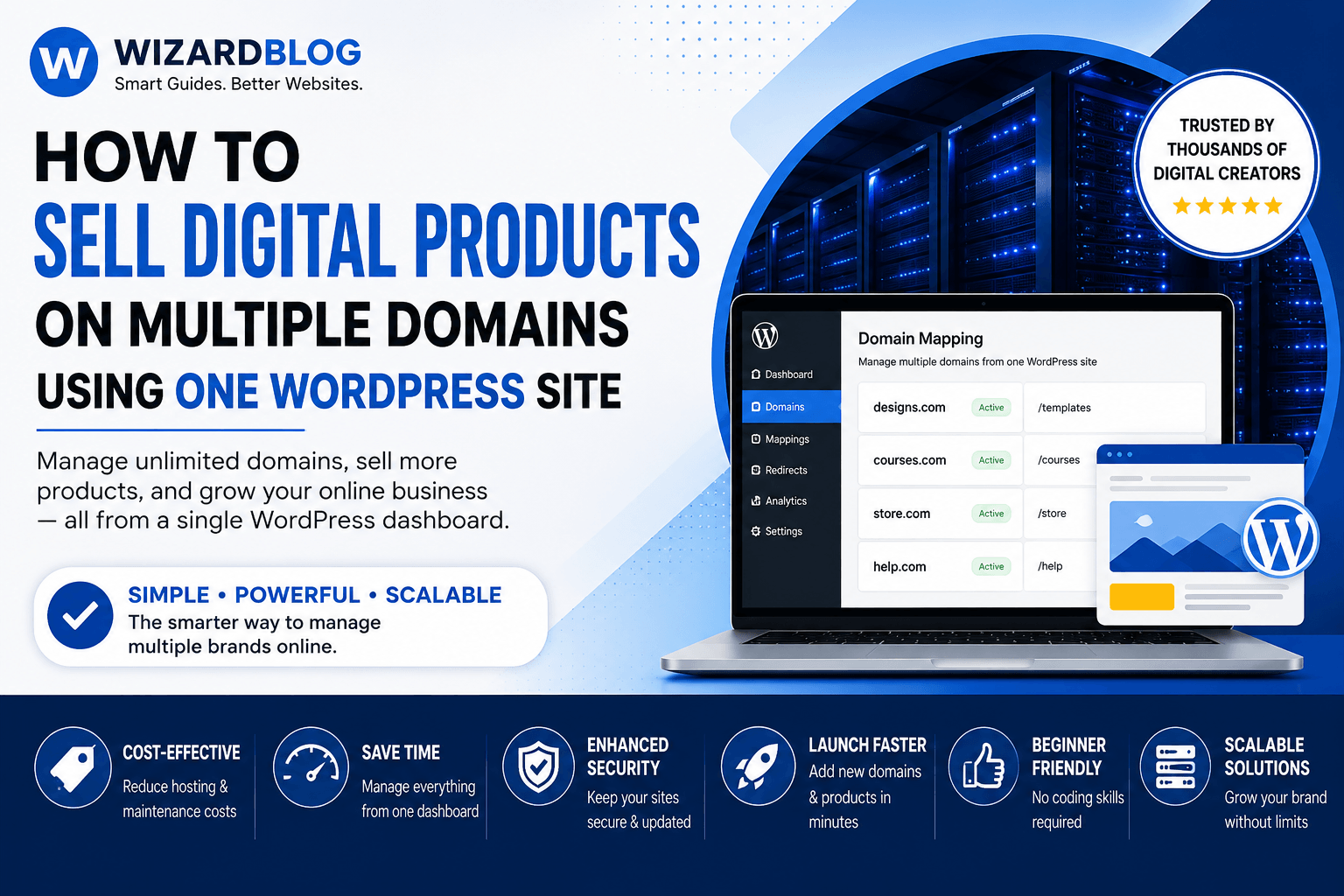
If you’re looking for a simple way to manage several domains without maintaining separate websites, a domain mapping solution is one of the most effective options. Instead of creating a new installation for every brand, you can use a single WordPress site as the central hub and connect multiple domains to it.
One popular tool for this purpose is WP Landing Kit, which allows you to manage multiple domains from a single WordPress dashboard. This approach simplifies website management while giving each domain its own unique identity.
With the right setup, you can:
- Connect individual domains to specific landing pages.
- Assign different domains to selected blog posts or content sections.
- Link dedicated domains to digital products and sales pages.
- Use separate domains for online courses, portfolios, or image galleries.
- Create branded member areas with their own custom domains.
- Manage everything from one WordPress site, reducing maintenance and administrative work.
WP Landing Kit vs. WordPress Multisite
Many users assume that WordPress Multisite is the only way to manage multiple domains, but that’s not always the best choice. While Multisite is powerful, it often requires more technical knowledge and can be difficult to configure and maintain.
WP Landing Kit takes a simpler approach by focusing on domain mapping rather than creating a network of websites. This makes it an excellent option for digital product creators who want to manage multiple domains from a single WordPress site without the added complexity of a Multisite network.
If your goal is to save time, reduce hosting costs, and streamline website management, using one WordPress site with domain mapping can be a practical and scalable solution.
How to Set Up Multiple Domains on One WordPress Site with WP Landing Kit
Setting up multiple domains doesn’t have to be complicated. WP Landing Kit is designed to help website owners and digital creators connect several domains to a single WordPress site without dealing with an overly technical setup.
Follow these simple steps to get started:
- Install and activate WP Landing Kit on your primary WordPress site.
- Add the domains you want to connect through the plugin’s settings panel.
- Assign each domain to the landing page, product page, blog section, or other content you want visitors to see.
- Update your domain’s DNS records so they point to your hosting server.
- Verify the configuration and publish your multi-domain setup.
Once everything is configured, you’ll be able to manage multiple branded domains from one centralized WordPress site, making updates, content management, and product launches much more efficient. If you need additional help, follow the official WP Landing Kit documentation for a detailed walkthrough with screenshots and troubleshooting tips.
Advanced Features That Make WP Landing Kit Stand Out
It includes a range of advanced features that help you manage a WordPress site more efficiently while giving every connected domain its own unique configuration.
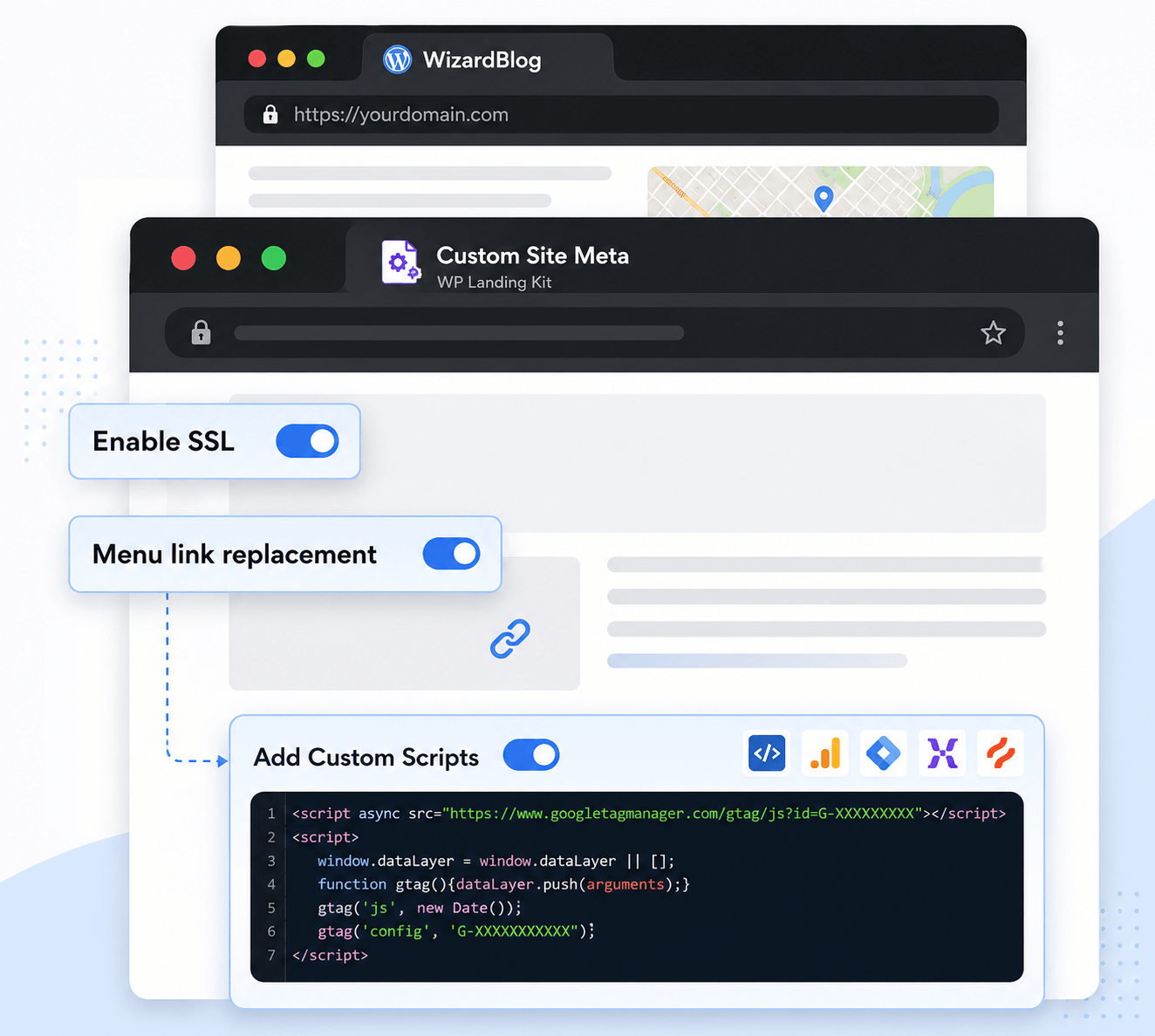
Some of the key features include:
- Add separate tracking codes for analytics, advertising, or marketing campaigns on each domain.
- Manage SSL certificates to keep every connected domain secure and trusted.
- Create and manage redirects without editing configuration files or writing custom code.
- Configure individual SEO settings so each domain can target different keywords and audiences.
- Control all connected domains from one easy-to-use dashboard within your WordPress site.
These capabilities make it easy to deliver a customized experience for visitors on every domain while reducing the time and effort required to manage multiple websites. Instead of maintaining several separate installations, you can run everything from a single WordPress site, keeping your workflow organized, secure, and scalable as your business grows.
Why You Should Consider WP Landing Kit
Managing multiple domains doesn’t have to mean managing multiple websites. With WP Landing Kit, you can simplify your workflow by running everything from a single WordPress site, making it easier to grow your digital business without increasing maintenance.
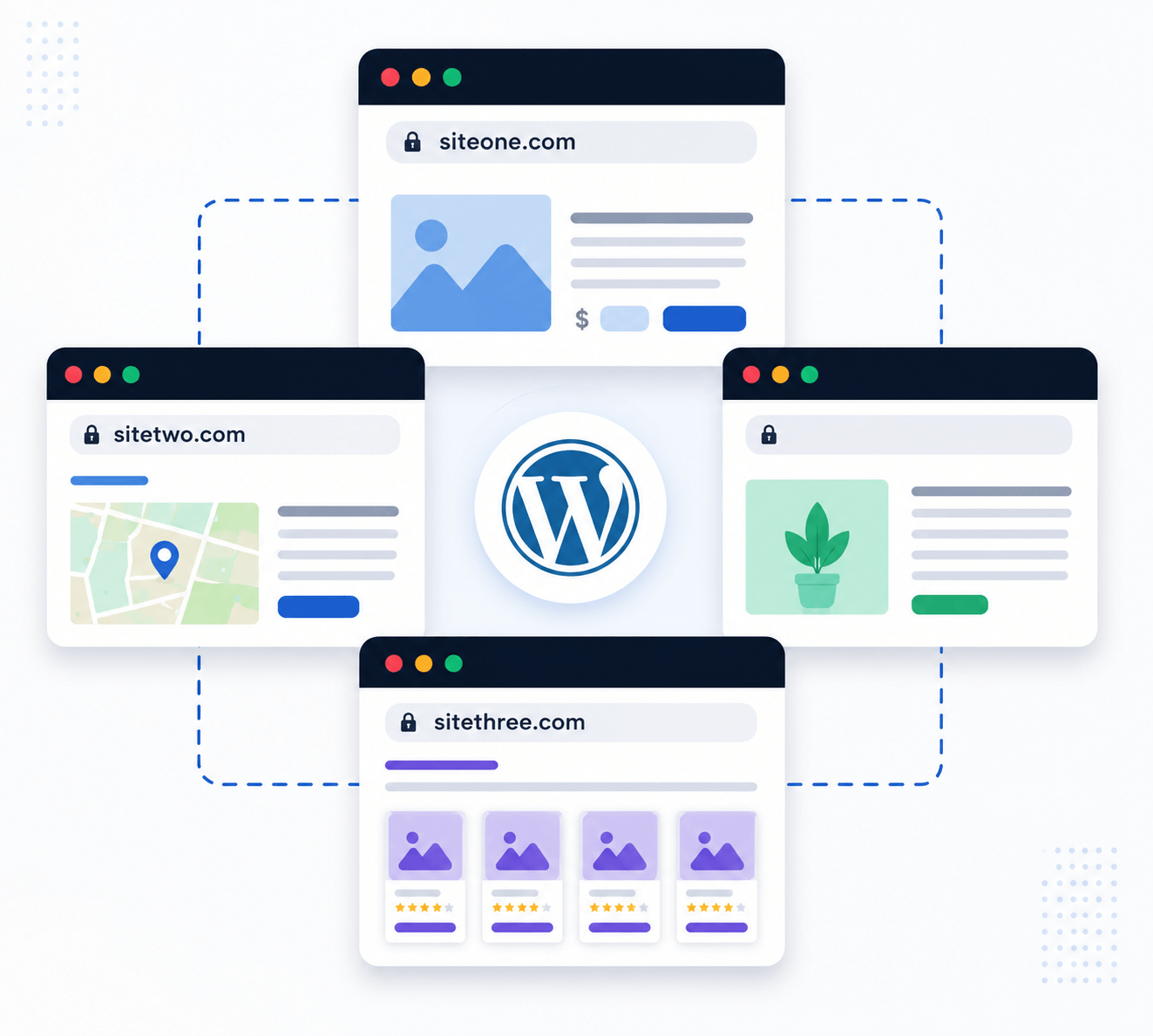
Some of the biggest advantages include:
- Manage all your domains from one dashboard, eliminating the need to switch between multiple WordPress installations.
- Purchase premium themes and plugins once instead of paying for separate licenses for every website.
- Keep your WordPress site up to date by installing plugin, theme, and core updates from one central location.
- Launch new products or branded landing pages quickly without creating a completely new website.
- Reduce hosting and maintenance costs while keeping your websites organized and easy to manage.
- Save valuable time by handling content, security, and performance from a single WordPress site.
Whether you’re running product websites, landing pages, membership portals, or niche brands, WP Landing Kit helps streamline website management without sacrificing flexibility. Instead of maintaining several independent installations, you can focus on growing your business while managing everything from one powerful WordPress site.
WP Landing Kit is an excellent solution for anyone who wants to manage multiple domains without maintaining separate websites. It lets you connect different domains to a single WordPress site, making updates, branding, and content management much easier. The setup process is simple, even for beginners, and its responsive customer support helps you get started quickly. If you’re looking to save time, reduce costs, and scale your online business efficiently, WP Landing Kit is a smart choice.
More Than Just a Solution for Digital Products
Although WP Landing Kit is a popular choice for selling digital products, its flexibility makes it useful for many other types of websites. By managing multiple domains from a single WordPress site, businesses can simplify operations while maintaining unique branding for each project.
Here are a few ways different businesses use it:
- Online learning platforms create separate domains for different courses or subject categories.
- Membership websites offer branded domains for exclusive member portals.
- Service-based businesses manage multiple client landing pages from one central WordPress site.
- Marketing agencies launch campaign-specific websites without creating separate WordPress installations.
- Coaches and consultants operate multiple brands while managing everything through a single backend.
Whether you’re running an online store, educational platform, agency, or personal brand, using one WordPress site to power multiple domains can help reduce maintenance, improve efficiency, and make your business easier to scale.
Ready to Grow Your Business with One WordPress Site?
If managing multiple websites is becoming time-consuming, it’s time to simplify your workflow. WP Landing Kit lets you run multiple domains from a single WordPress site, helping you reduce maintenance, save on hosting and plugin costs, and manage everything from one dashboard.
With plans starting at $99 per year, it’s an affordable solution for businesses that want to scale efficiently. For those who prefer a one-time investment, WP Landing Kit also offers a lifetime license, making it a cost-effective choice for long-term WordPress site management.
Domain Name Recommendations
| Domain Registrar | Best For | Key Features |
|---|---|---|
| Namecheap | Budget-friendly domains | Competitive pricing, free WHOIS privacy, easy DNS management |
| Cloudflare Registrar | Low-cost renewals | Domains at wholesale pricing, secure DNS, no markup on renewals |
| Porkbun | Affordable registrations | Free SSL, free WHOIS privacy, simple domain management |
| Spaceship | Modern domain management | User-friendly dashboard, competitive prices, free privacy protection |
| GoDaddy | Large domain portfolio | Wide domain extension selection, domain auctions, business tools |